Home › Guides › Switching broadband provider and coping with outages
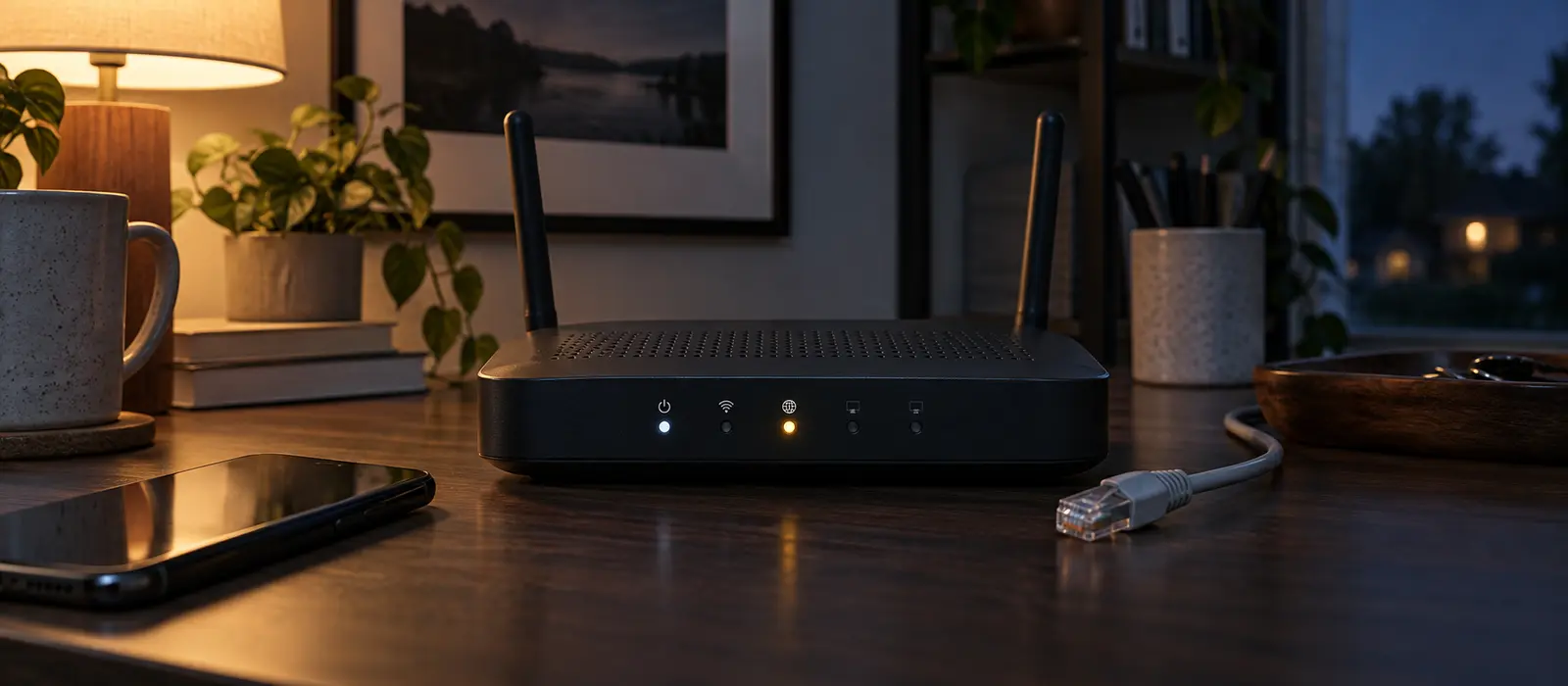
Switching broadband providers used to involve days without service and complex manual processes. Modern regulations have simplified switching significantly, and automatic compensation schemes protect you if service falls short. Understanding your options, checking your guaranteed speeds, and knowing what to do during outages puts you in control.
Modern broadband switching in the UK
The broadband switching process in the UK has been reformed to work more smoothly. Rather than manually cancelling with your old provider and coordinating separately with a new one, modern switching is typically handled by your new provider’s systems. Once you’ve chosen a new provider and signed up, they manage most of the process, including coordinating with your current provider to avoid service gaps.
The switch typically takes a few working days. Your new provider arranges the changeover date and usually provides tracking so you can monitor progress. On the switchover date, your service transfers to the new provider with minimal disruption. Having the new provider handle coordination reduces the risk of accidentally losing service during the changeover.
What to do when broadband goes down
If your broadband stops working, begin with basic troubleshooting: restart your router by unplugging it for 30 seconds, then plugging it back in. Wait three to five minutes for it to reconnect. Restart your device (computer, laptop, or phone) as well. Try connecting via Wi-Fi if you were using a wired connection, or vice versa, to identify whether the problem is with your router or your internet connection itself.
If you’re still without service after restarting, check whether the problem is widespread. Use your mobile phone data to check if other users in your area are reporting outages. Broadband providers’ websites sometimes have outage maps showing affected areas. Contact your provider’s support line (check your bill or their website for the number) and report the problem. Provide details like when it stopped, what you’ve already tried, and any error messages displayed.
Checking whether an outage is the provider’s fault
If your broadband provider can’t restore service quickly, ask whether the outage is on their network or a third-party issue. Some providers use infrastructure owned by other companies; in such cases, the underlying network operator may be responsible for fixes, adding delay. Understanding whether your provider controls the problem helps you decide whether to accept compensation offers or escalate to a regulator.
Document the outage: note when it started, when it ended, whether it affects the whole area or just your service, and what you did to troubleshoot. If an extended outage isn’t resolved to your satisfaction, contact your provider’s complaints department, and escalate to Ofcom (the UK regulator) or an alternative dispute resolution scheme if the complaint isn’t resolved.
Guaranteed speeds and your rights
Under Ofcom’s voluntary broadband speeds codes of practice, which most major providers have signed up to, your provider must give you a guaranteed minimum speed figure when you sign up. If actual speeds consistently fall below that minimum, you have the right to exit your contract without penalty. First, contact your provider and ask them to fix the problem. Give them a reasonable opportunity to remedy it before deciding to leave.
To check your actual broadband speed, use free speed-testing tools available online, including Ofcom-accredited checkers. Run the test at different times—morning, afternoon, and evening—as speeds often vary by time of day due to network congestion. Keep a record of the results, and compare them against the guaranteed minimum stated in your contract, before raising a formal complaint.
Automatic compensation for service failures
If your broadband service is unavailable for long periods or consistently slower than guaranteed, you may be entitled to automatic compensation without needing to claim it. Ofcom’s automatic compensation scheme requires providers to pay customers whose service falls significantly short. Amounts vary based on the type of problem and how long it lasts. Many providers now apply compensation automatically to customer accounts; check your account or billing page to see if credits have been applied.
If you believe you’re owed compensation but don’t see it applied, contact your provider’s complaints department. Keep records of the outage dates and times, as they’ll ask for this information when assessing your claim.
Leaving if guaranteed speeds aren’t met
If your provider consistently fails to meet guaranteed speeds, you can exit your contract under the terms of the speeds code of practice. Provide written notice stating that speeds fall below the guaranteed minimum, include dates and speed test results, and give your provider a reasonable opportunity to fix the problem. If they don’t succeed, you can formally terminate the contract without paying exit fees. Send any cancellation notice by email or registered post so you have proof of delivery.
Contract terms and early exit
Most broadband contracts run for 12 or 24 months. Leaving early typically incurs an early termination fee, calculated as the remaining months’ fees or a fixed penalty. However, if your provider breaches the contract—such as failing to provide guaranteed speeds—you can exit without penalty. Additionally, if your provider increases prices during your contract, many contracts allow you to cancel without fees.
Key points
- Modern broadband switching is handled largely by your new provider to minimise disruption
- Troubleshoot outages by restarting your router and checking whether others are affected
- Check actual speeds using free online tools; document speeds if they’re below your guaranteed minimum
- Your contract should specify guaranteed minimum speed; if actual speeds fall short, you have rights
- Ofcom’s automatic compensation scheme may entitle you to credit for service failures
- You can exit your contract without penalty if speeds consistently fall below guaranteed minimums
Related: Find IT support near you